About Kingmoon
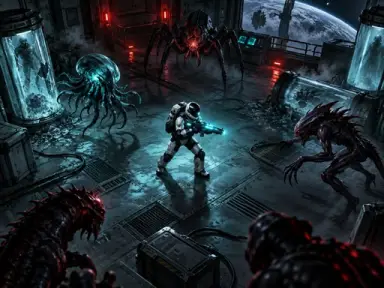
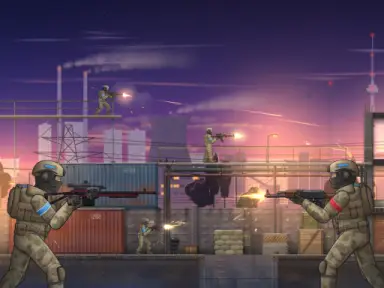
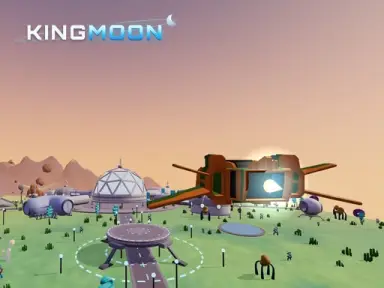
Kingmoon puts you in the cockpit of a lone starship fighting to liberate five planets under the grip of King Regulus and his alien robot legions. Soar low across varied alien terrain, from frozen Glacia and volcanic Pyra to the sand dunes of Sair. Whenever you reach an occupied sector, set your craft down to fight on foot, capture territory, and plant your banner.
When enemy fire intensifies, summon a heavy mech suit to level the battlefield. Throughout twenty-five campaign stages, you will face challenging system commanders before launching an assault on the King's Moon itself. Complete missions to collect crystals, paint your vessel, and upgrade your gear in the hangar.
How to play
- Steer with W, A, S, D, control pitch with R and V, and activate nitro with Shift.
- Aim with your mouse and use left-click to fire weapons 1 through 3.
- Press E to land on or take off from planets, and press F to plant your flag.
- Hold Q to summon your heavy combat mech when battles get tough.
- Press M to consult your sector map and P to pause the action.
Highlights
- 25 story missions spanning 5 planetary systems and a climactic moon battle
- Dual-layer gameplay combining low-altitude flight, boots-on-the-ground skirmishes, and mech combat
- Hangar customization with ship upgrades and custom paint jobs funded by earned crystals
- Gamepad, touch screen, and keyboard controls with automatic progress saving in 6 languages
FAQ
Is Kingmoon free to play online?
Yes, you can play Kingmoon completely free in your web browser with no download required.
Can I play Kingmoon on mobile devices?
Yes, Kingmoon is mobile-ready and supports touch controls in landscape orientation.
Does Kingmoon save my game progress?
Yes, your mission progress and ship upgrades are automatically saved as you play.